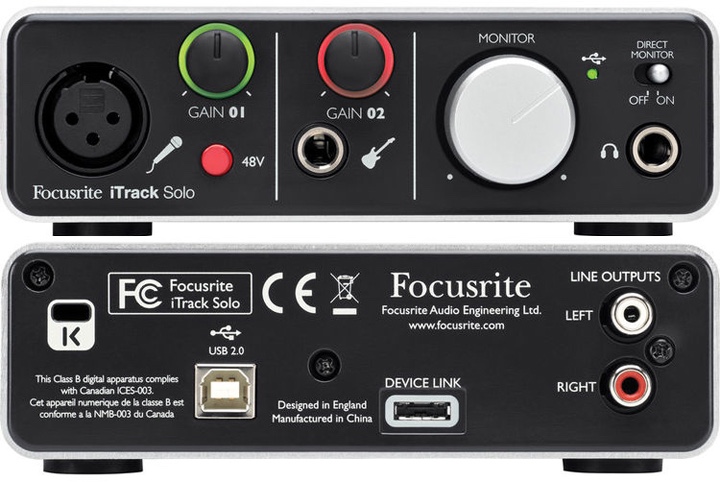
1) turn on audio device
Turn on the sound card/ audio device and make sure that the unit is receiving power. Some units are powered by a usb and others 48v any issues please check the devices manual.
2) turn on computer

Switch on the computer and make sure it is connected to your audio device. Some devices are plug and play and when connected work right away, other devices will required you to download the drivers. The driver can be found on the websites that’s make your devices, go and download them.
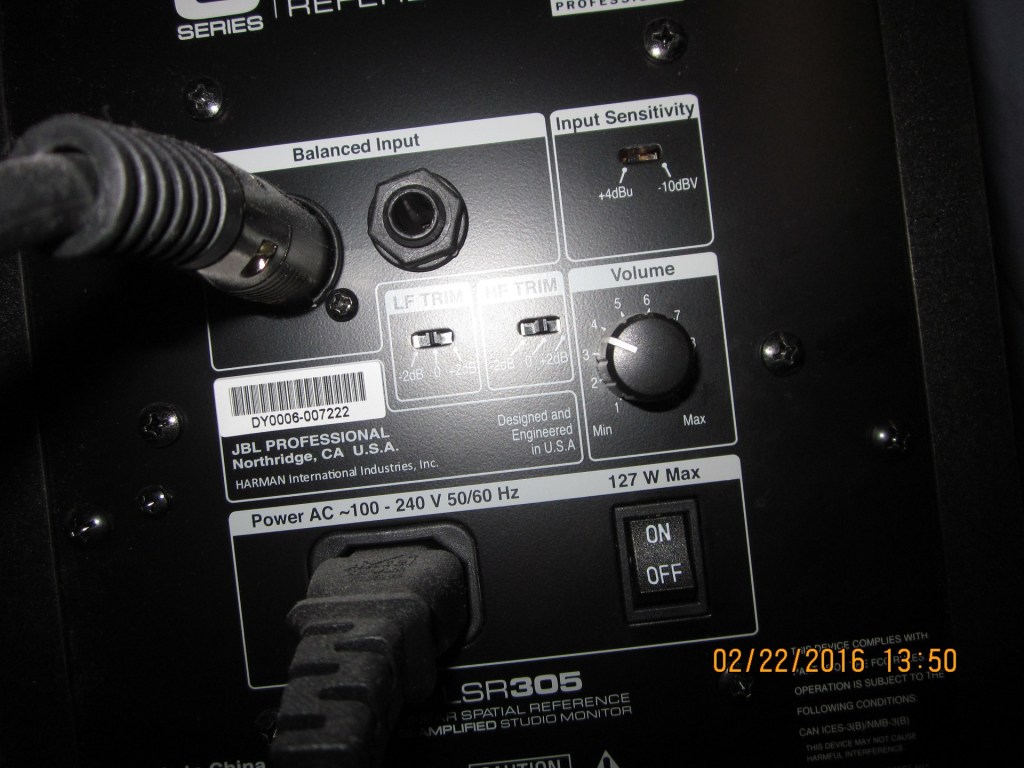
3) turn on studio monitors
Power on your studio monitors. Then play a song from the your computer to make sure your monitors are connected to your audio device, then adjust the volume as required. The speaker should be switched on last, note (a sudden surge of power can blow the fuses and driver)
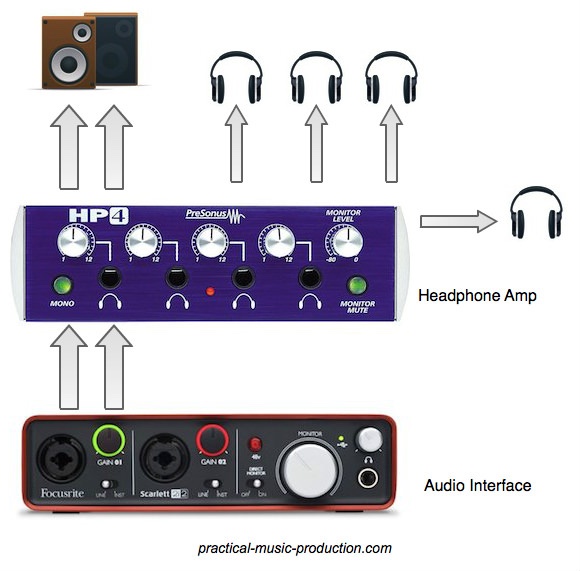
4) connected headphones
Connect the headphones to the audio device. make sure you are not wearing the headphones and they are turned down to -0db and then slowly bring up the gain until required. A sudden burst of loud noise can damage war drums and cause tinnitus.
 Vocal recording for beginners